

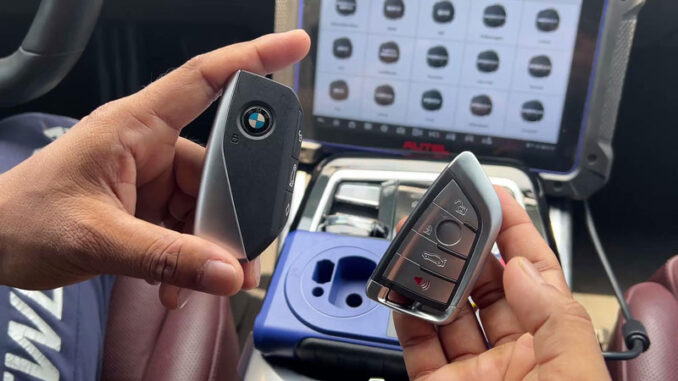
Today I’m working on a BMW U Chassis BCP3 smart key clone using the Autel IM608 Pro2, GODIAG BDC3 Adapter, and XP400 Pro programmer. The process is straightforward: read the original BCP key data first, then generate the new key through the IM608.
Prepare the Tools
Autel IM608 II / Autel IM508S
GODIAG BDC3 Adapter (or Autel APB113 Adapter)
XP400 Pro Programmer
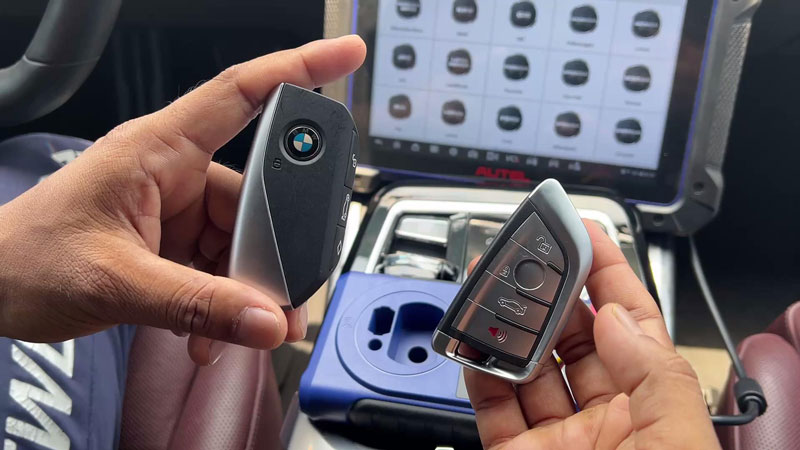
Autel BMW IKEY Key
Connect the Adapter & Read BCP Key Data
Connect the GODIAG BDC3 Adapter to the XP400 Pro programmer.
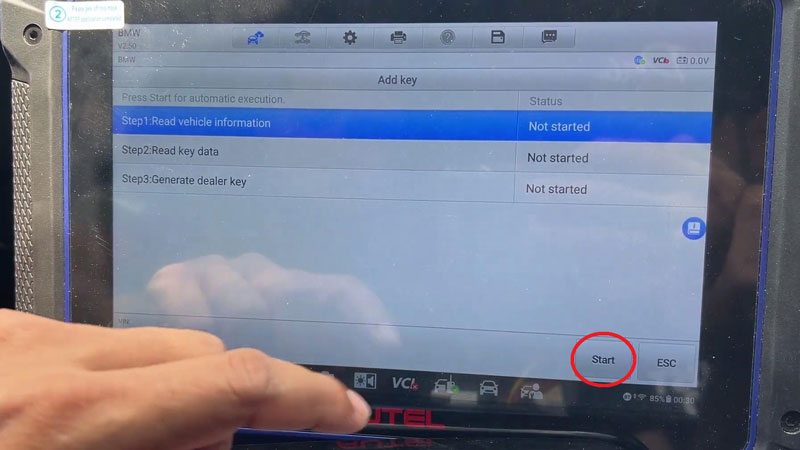
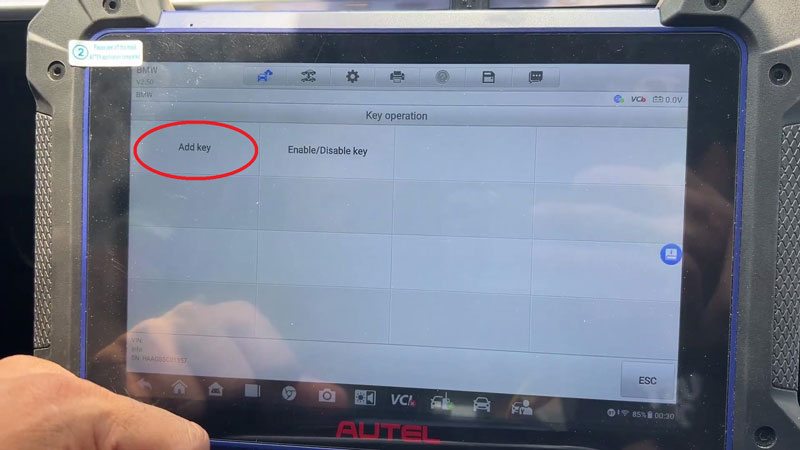
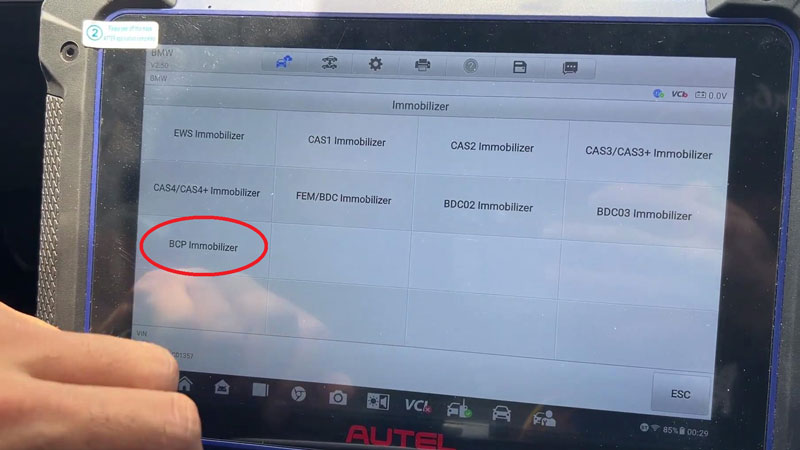
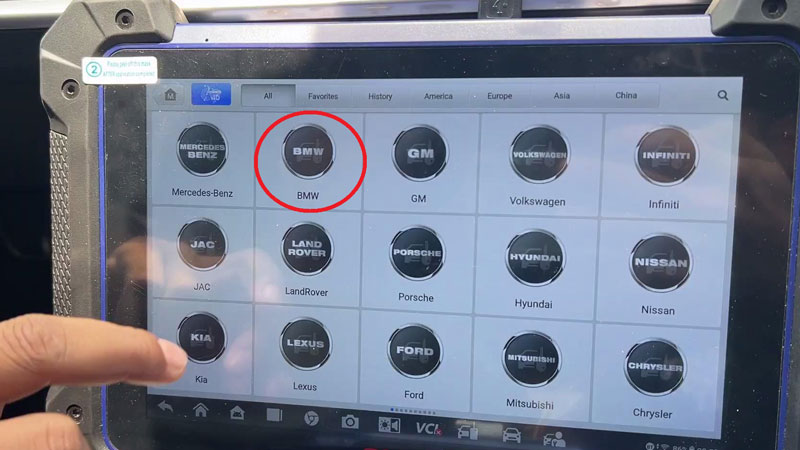
Enter the IMMO menu on the IM608 Pro II: IMMO → BMW → System Selection → Immobilizer → BCP Immobilizer → Key Operation → Add Key → Encrypted + Unencrypted → Yes → Yes → Start
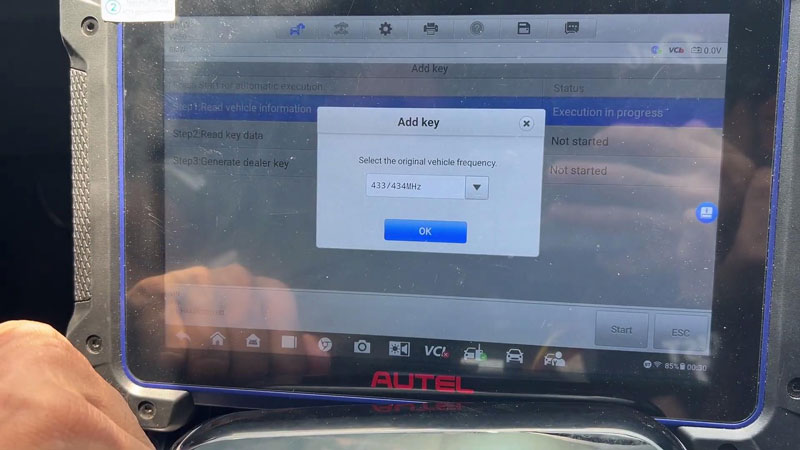
Enter the original vehicle VIN, select 433/434MHz frequency, and save the data file.
Generate the New BMW Key
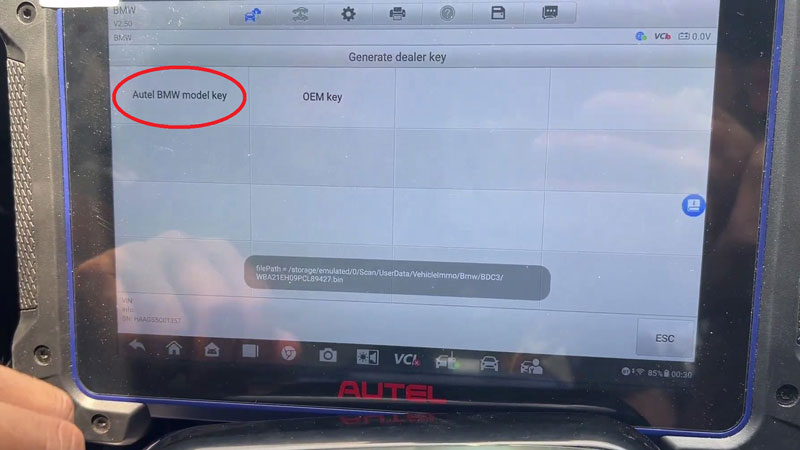
Select Autel BMW Model Key. This function is only for generating Autel BMW keys.
Place the new key into the XP400 Pro programmer slot and press OK.
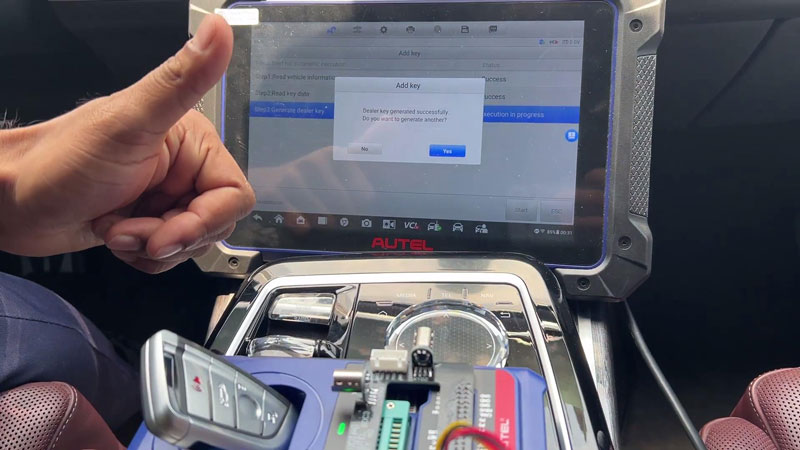
Wait until the dealer key generation is completed.
If you need to generate another key, choose Yes and continue. Otherwise, select No to finish.
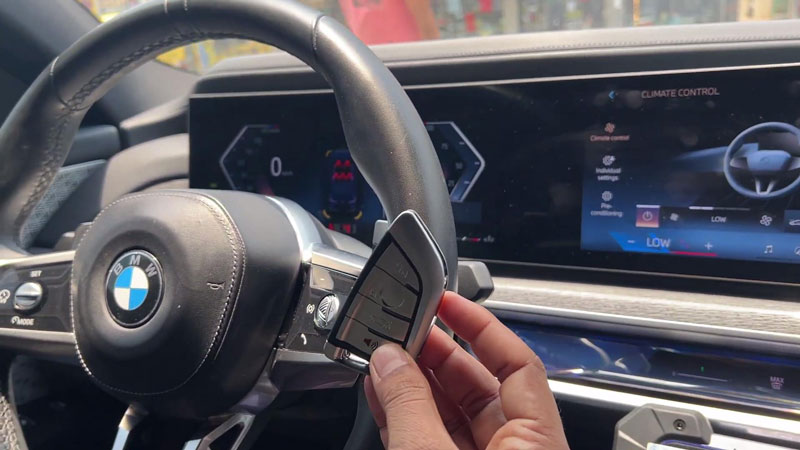
Test the New Key
Keep the new key and the original key separated during testing to avoid signal interference.
Unlock the vehicle, check the key operation, and start the vehicle with the new key.
Verification
The cloned key starts the vehicle normally and the basic key functions work properly.
Workshop Notes
For BMW U Chassis BCP key cloning, keep the original and new keys apart when testing to prevent signal interference